There is no shortage of hype around AI agents. What is still rare is a case that makes it out of the demo phase and into the actual product workflow, where scope is defined, responsibilities are clear, and the outcome can be measured in something more concrete than enthusiasm.
That is why GitHub’s accessibility work stands out.
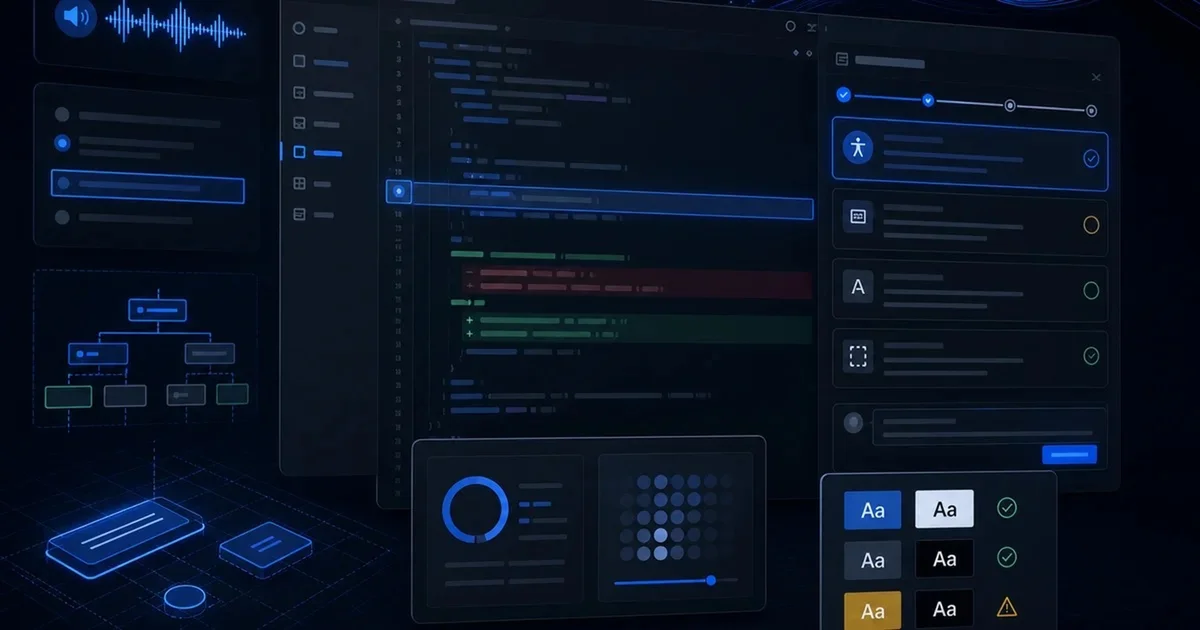
In May, GitHub published details of an experimental accessibility agent it is testing inside Copilot. The mission is deliberately narrow: help developers answer accessibility questions while they work, and automatically fix simple, objective accessibility issues before those changes reach production. That may sound modest compared with the grand promises usually attached to agents, but that restraint is exactly what makes the project interesting.
The most useful distinction here is not between “AI” and “no AI.” It is between an assistant and an agent.
A generic assistant can talk about almost anything. It can explain a concept, suggest code, or offer best practices. Sometimes that is enough. But a real agent, at least in any meaningful product sense, is not defined by its ability to chat broadly. It is defined by bounded work. It operates within a specific responsibility, follows explicit rules, knows what counts as success, and knows when to stop.
GitHub’s accessibility agent fits that definition much better than most examples currently presented under the “agent” label.
Accessibility is also one of the strongest possible domains for this kind of system. The reason is practical, not ideological. It has widely accepted standards, mature external references, and a meaningful set of technical criteria that remain relatively stable over time. It is also an area where the cost of missing basic issues is high: teams ship preventable barriers, users hit friction immediately, and the cleanup cost rises once the problem escapes into production.
GitHub says the agent has reviewed 3,535 pull requests and reached a 68% resolution rate. Those numbers matter because they shift the conversation away from “transformative potential” and toward operational questions: What kinds of issues can the system catch? How often does it resolve them? What part of the review burden does it absorb? What does that do to the development cycle?
The most common issues it found were exactly the kind of problems that make accessibility a good fit for automation-assisted review: structure and relationships that need to be understandable to assistive technologies, clear names for interactive controls, proper status announcements, text alternatives for non-text content, and logical keyboard focus order. These are not abstract ideals. They are recurring, high-frequency mistakes that create direct friction for people using screen readers, keyboard navigation, and other assistive tools.
The deeper lesson, though, is not “AI for accessibility.” It is work design.
GitHub’s own framing is unusually disciplined. Eric Bailey wrote that the agent is not meant to solve accessibility by itself. Its role is to increase team capacity and remove predictable barriers earlier in the process. That mindset is more important than the model choice. A lot of AI projects fail because they begin with vague mandates like “help engineering,” “improve productivity,” or “assist the team.” Those are slogans, not operating definitions.
GitHub gave the system a concrete mission: answer accessibility questions in the context of code, review front-end changes, fix simple objective problems, and escalate the rest to humans. That is how useful agents are built. They do not try to do everything. They work inside a clearly bounded lane and hand off ambiguous cases instead of improvising past their competence.
Just as important, GitHub did not rely only on generic model knowledge. The agent was trained on an internal, structured history of accessibility issues, including templates, severity, relevant WCAG criteria, reproduction steps, and links to the pull requests that fixed each problem. That detail matters because it turns “AI knows accessibility” into something much more valuable: the system can draw on organizational memory.
This is one of the most underappreciated patterns in enterprise AI. The real advantage often does not come from the model alone. It comes from combining the model with the company’s own accumulated decisions, examples, classifications, and remediation history. In other words, the system becomes useful not because it is generally smart, but because it is contextually grounded.
GitHub also made an architectural choice that deserves attention. Instead of building one free-form agent to handle everything, it split the work into two subagents: one focused on review and research, and another focused on implementation. They do not exchange information casually. They produce structured outputs that are validated by an orchestrating layer.
That may sound like an engineering detail, but it points to a broader product truth: reliability usually improves when you reduce freedom. Narrow roles, structured outputs, and validation steps often beat a single autonomous system with broad latitude. You get less noise, better traceability, and lower operational cost.
The guardrails are equally important. GitHub says the agent computes code complexity using simple heuristics. If the change exceeds a threshold, it makes no edits and instead recommends human accessibility review. The same applies to higher-risk interface patterns such as drag-and-drop interactions, rich text editors, tree views, data grids, and toast notifications.
That is exactly the behavior you want. The gain is not coming from total model freedom. It is coming from boundaries.
This is also why accessibility is such a compelling use case for agents more broadly. First, there is an objective layer that can be checked and often fixed early. GitHub notes that 35 of 55 WCAG A and AA criteria can be detected with deterministic checks, while the remaining criteria require contextual evaluation. That is a healthy split. Second, the result shows up directly in the product experience for real users. Better labels, better announcements, better focus handling, and better semantic structure are not internal metrics alone; they change whether people can actually use the interface. Third, accessibility naturally separates what should be automated from what must remain human.
That last point is crucial. The strongest AI workflows are often not the ones chasing full autonomy. They are the ones that create a clean boundary between repetitive, rules-based work and judgment-heavy work.
GitHub’s second accessibility workflow reinforces the same principle. In a separate system using GitHub Actions, GitHub Copilot, and GitHub Models, the company processes user feedback into structured, trackable issues with classification, severity, impacted group, and responsible team. The results are hard to dismiss: 89% of issues closed within 90 days versus 21% before, a 62% reduction in average resolution time from 118 to 45 days, a 70% drop in manual administrative work, and a 1,150% increase in issues resolved within 30 days year over year, from four to fifty.
Again, the interesting part is not that AI participated. It is that AI was inserted into a workflow with clear inputs, explicit outputs, and human accountability.
That is the product lesson other teams should pay attention to.
The takeaway is not “build an agent for everything.” It is the opposite. Build one where four conditions already exist: the problem is recurring, the rules are reasonably clear, the cost of letting errors slip through is high, and there is an explicit escalation path for ambiguous cases.
When those conditions are present, an agent can stop being a novelty and start becoming infrastructure.
That is why GitHub’s accessibility work feels more important than many louder AI announcements. It shows a practical version of the future: not a magical system replacing expert work, but a bounded system removing repeatable mistakes, preserving specialist attention for harder cases, and improving the product before users pay the price.
If a tool mainly talks better, it is still an assistant. If it operates within a defined responsibility, reduces recurring errors, improves workflow, and knows when not to act, then it starts to earn the name agent.