Most people still use AI for studying in the shallowest possible way. They open a chat window, throw in a question, get a neat answer, and move on. That helps with isolated doubts, but it rarely fixes the real problem behind exam prep or college work: what should you review now, what do you actually not understand yet, and how do you turn scattered material into a repeatable study loop?
That is why Gemini Study Notebooks are more interesting than they first sound.
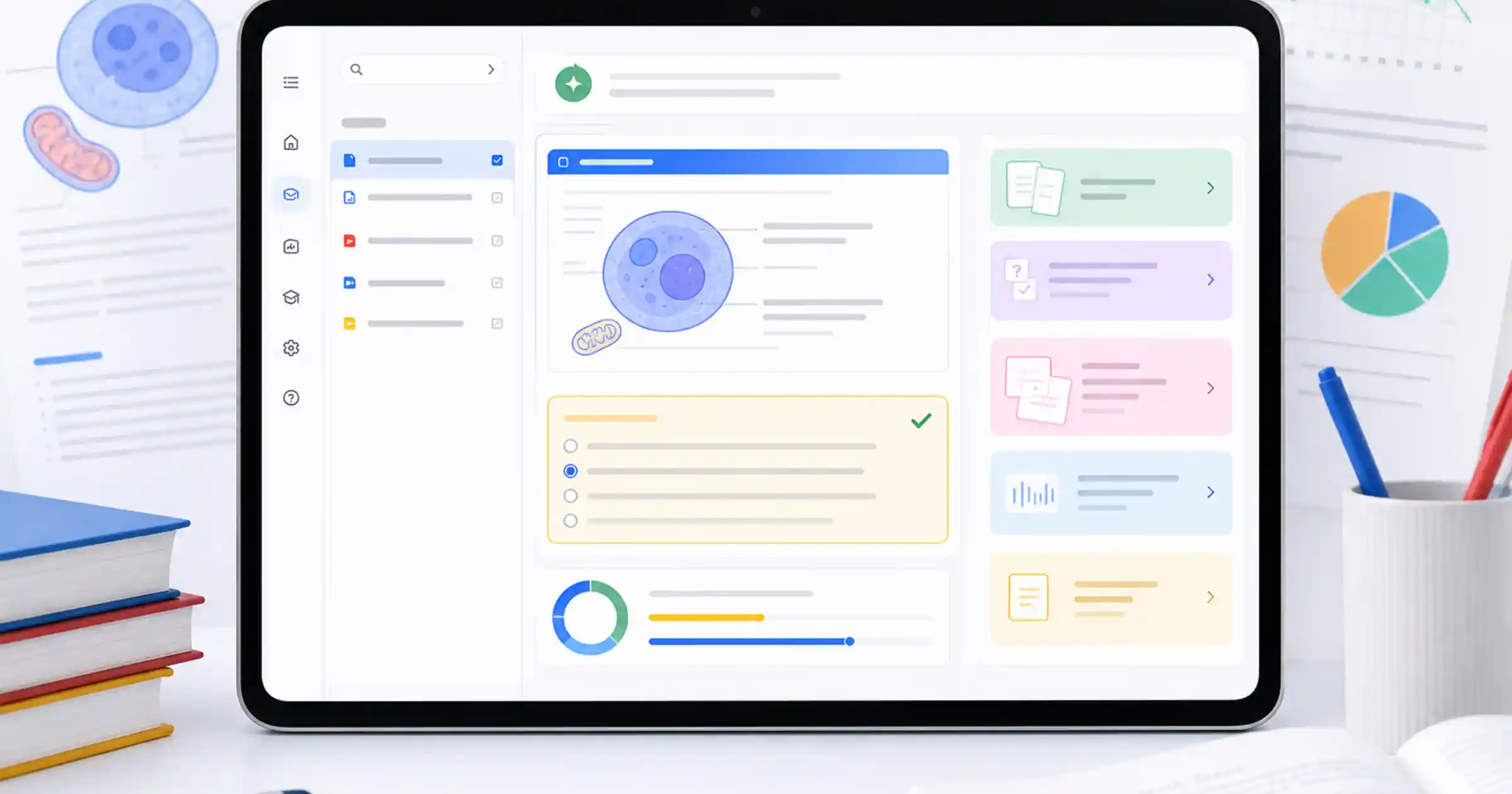
The pitch is not simply “an AI chat for students.” The product is trying to become a guided study layer: you define a goal, upload materials, take a diagnostic quiz, and then move through short lessons, recommendations and progress updates shaped by your weak spots. The point is not only to answer. It is to organize the next step.
So if the question is blunt — are they worth it? — my answer is also blunt: yes, if you already have material and need structure; no, if you expect a miracle shortcut or a mobile-first experience that is fully mature today.
What changes compared with an ordinary chat
In Google’s education announcement, the company frames Study Notebooks as a dedicated space inside Gemini that turns a learning goal into an adaptive workflow. You can start from a goal like “help me study for a calculus midterm” or upload course materials directly. From there, the diagnostic quiz identifies strengths and gaps, and Gemini builds short interactive lessons around that profile.
That shift matters because it moves the product away from disposable conversations. Instead of every session starting from zero, the notebook keeps a memory of progress and gives you an explicit signal about what deserves attention next.
It also fits a broader Google pattern. At Google I/O 2026, the company made it clear that Gemini is being pushed into real workflows, not just casual prompts. Study Notebooks apply the same logic to education: less “ask anything,” more “build a system around a concrete goal.”
The sync with NotebookLM matters too. It connects Study Notebooks to a product that already started to look more operational, as I argued when NotebookLM’s June upgrade pushed it toward an operational research workspace. For students, that separation is useful. Gemini handles the study loop, the diagnosis and the lesson flow. NotebookLM is better when you want deeper source-based exploration, cross-document comparison and grounded follow-up work.
Why this can be genuinely useful for exams and college
The main bottleneck for many students is not lack of information. It is too much of it.
Exam prep and college work usually mean syllabi, slides, readings, PDFs, old assignments, notes, recordings and half-finished summaries spread across too many places. The hard part becomes prioritization. Study Notebooks make sense because they try to convert that mess into sequence.
According to Gemini’s support documentation, the practical core is threefold: diagnostic quizzes, personalized lessons and progress tracking. External coverage from EdTech Innovation Hub adds a helpful detail: the dashboard can break a learning goal into more than 100 smaller objectives and label each area as a strength, a focus area or not started. That sounds like a product detail, but it matters because a lot of study anxiety comes from revising everything at once and mastering nothing in depth.
Another strength is grounding in your own material. That does not make the system perfect, but it is still more useful than studying only from generic AI answers. Once you upload your syllabus, notes, slides, chapters or past problem sets, the notebook starts working around your real context rather than a vague average answer scraped from the internet. It is the same broader appeal of grounded context that made Gemini File Search more practical once it became multimodal and more verifiable: less improvisation, more source-aware output.
There is also a regional angle worth noting. In the same education announcement, Google says it plans to add ENEM practice in Brazil through Akira ENEM. That matters because it shows the company is not treating this only as a US test-prep feature. Even before that specific layer is fully rolled out, the core notebook already makes sense for any student who wants to build a study workflow around their own material.
Where the excitement still needs to cool down
Not every part of this deserves automatic hype.
First, Google itself says Study Notebooks currently make the most sense on the web. The help documentation notes that they are available at gemini.google.com, not yet as a full mobile workflow inside the Gemini app. If most of your study life happens in short bursts on your phone, that limitation is real.
Second, the quality still depends heavily on what you upload. If your source pack is weak, messy or outdated, the notebook is mostly reorganizing noise with a nicer interface. That is still better than nothing, but it is not the same as reliable study support.
Third, the notebook goal cannot be edited after creation. That sounds minor, but it changes how you should set the system up. A notebook that tries to cover “all of exam prep” or “all of my semester” will usually get too broad. The better move is to keep the scope tight: one subject, one unit, one exam, one weak area.
Fourth, this is not a replacement for real practice. Diagnostic quizzes and short lessons are useful for review, prioritization and memory checks, but they do not replace writing essays, solving long problem sets, reading difficult source material or sitting under time pressure. The notebook works best as an organizer of active study, not as a substitute for active study.
How I would use it without wasting time
The smart setup is not one giant notebook with everything inside.
1. Use one narrow goal per notebook
If you are preparing for an exam, think in terms of “electrostatics,” “calculus midterm,” “organic chemistry review,” or “constitutional law essay prep,” not “study everything.” Broad goals make the diagnosis fuzzy and the recommendations generic.
2. Upload the materials that actually govern your grade
Syllabi, teacher slides, lecture notes, assigned readings, past exams and your own summaries matter more than random links. The notebook becomes more useful when it understands the material that really shapes your evaluation.
3. Take the diagnostic quiz early
Most people want to jump straight into lessons. I would do the opposite. The quiz exists to reveal the gap between what feels familiar and what you can actually recall or apply. That saves hours of cosmetic review.
4. Use the notebook to close gaps and NotebookLM to go deeper
When the need is guided revision, follow the Study Notebook flow. When the need is deeper source comparison, extracting key arguments, building flashcards or reorganizing your materials into a grounded artifact, NotebookLM becomes the better tool. Keeping those roles separate prevents everything from collapsing back into “just another chat.”
5. Reopen the loop every week
The real benefit appears when you come back, run another quiz, upload new materials and let the priority list change. If the same topic keeps returning as a focus area, that is already valuable operational feedback about where your study process is stuck.
So, are they worth it?
Yes, but for the right reason.
Gemini Study Notebooks do not look promising because Gemini suddenly became magical. They look promising because Google identified a simple student pain point: people do not only need answers. They need order, diagnosis and priority.
That becomes valuable when you already have a pile of material and do not want to spend half your energy deciding what to review next. The notebook can turn scattered content into a more honest study sequence.
What it does not do is erase the hard part of learning. You still need good materials, repetition, real exercises and judgment. If you go in expecting a perfect tutor that replaces discipline, you will probably be disappointed. If you go in wanting lightweight infrastructure for better review and less friction, the upside is much easier to believe.
My bottom line is simple: this is not magic study automation; it is a potentially useful study operating layer. For a lot of students, that distinction is exactly why it may be worth using.
Sources
- Google Blog — Supporting students with connected AI tools for more personalized learning
- Google Blog — 5 ways to learn with study notebooks in the Gemini app
- Google Support — Create and use notebooks in Gemini Apps
- EdTech Innovation Hub — Google launches Gemini study notebooks and expands Read Along in Classroom