This announcement matters because it finally moves beyond the vague assistant pitch and touches a kind of work that actually burns time: navigating, comparing, filtering, filling, and pushing web tasks close to completion.
With Gemini Spark now tied into Chrome, Google is no longer just selling a better conversation layer. It is trying to sell an agent that can use the browser as an execution surface.
That changes the product more than the headline first suggests.
My short take is straightforward: Gemini Spark in Chrome is only worth it if repetitive browser work is one of your real bottlenecks. If most of your AI usage is still chatting, summarizing, brainstorming, or studying, Google AI Pro may still feel expensive for not enough new leverage.
What actually changed
Google’s late-July announcement combined two important updates. The flashy one is Chrome integration: Spark can now help with web errands such as researching flights, starting booking flows, and handling other multi-step browser tasks. The commercially important one is broader access: Spark is rolling out to Google AI Pro subscribers across more than 160 additional countries.
But those two updates are not identical, and a lot of coverage blurs them together.
Spark as a product is expanding. Chrome auto browse, however, was announced as an initial U.S. rollout. That means readers in markets like Brazil may be closer to the broader Spark rollout without necessarily getting the full browser-agent experience at the exact same time.
That distinction matters because the headline sells web automation, while the real availability story is more layered.
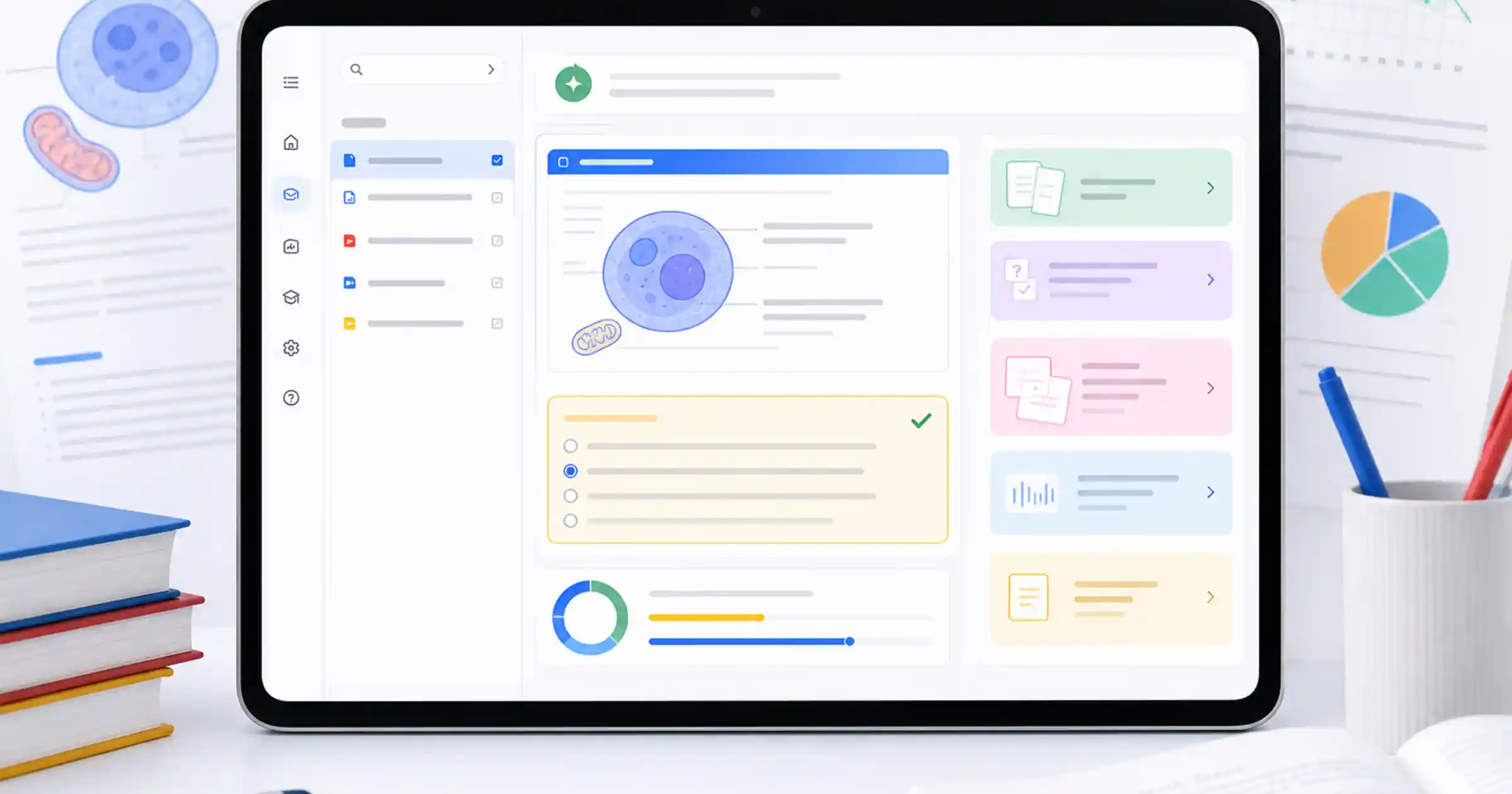
It also shows what Google is trying to become. Instead of competing only on “which assistant answers better,” Spark pushes Gemini toward a more operational category: software that advances work. The same pattern showed up elsewhere in Google’s ecosystem. When I looked at whether Gemini Study Notebooks are worth it for exam prep and college, the meaningful shift was not raw intelligence. It was a more structured workflow. Spark is a similar move, but aimed at the browser.
When this can genuinely save time
The best use case for Spark in Chrome is not “anything you do online.” It is repeated browser work with enough mechanical friction to delegate.
Travel comparison, shopping research, reservation flows, shortlist building, repetitive admin, supplier checks, or structured web research all fit better than vague instructions like “handle my internet tasks.”
The reason is simple: browser agents pay off when there is enough tab labor to outsource.
If your day involves opening too many tabs, repeating filters, copying details into notes, and advancing flows until the final decision point, Spark can remove a meaningful slice of the boring part. For solo founders, creators, operators, or anyone doing a lot of life admin or small-business admin on the web, that is a more concrete promise than the usual “AI got smarter” narrative.
There is also a small-business angle here. TechCrunch’s earlier coverage of Spark at Google I/O framed it as a long-horizon personal agent with direct access to Google’s broader stack and the ability to keep working in the background. That matters because it moves Spark closer to a continuous workflow layer, not just a one-off request surface. For smaller teams, the useful question is no longer “which model sounds smartest?” It becomes “which tool removes real operational drag from my week?”
That lens also helps when you compare Spark to other automation surfaces. If your team is deciding whether intelligence should live in the interface, the orchestration layer, or the routing layer, it is still worth revisiting the question of whether AI model routing is worth it for cost, latency, and compliance. Spark does not replace that stack. It sits much closer to the user and the browser.
The part most coverage understates: you are lending it your session
This is exactly where the product becomes more useful and more sensitive.
In Google’s own documentation, Spark can work through your local Chrome browser or through a remote browser. When it uses local Chrome, it inherits the same surface you already have: logged-in websites, preferences, context, and, with your permission, even credentials saved in Password Manager to sign in to accounts or loyalty programs.
That is not a side note. That is the whole proposition.
The real upside exists because Spark is not operating in an abstract sandbox anymore. It is acting through the web as you use it. But for that to work, you are giving the system far more context than you would in a normal chat. Google explicitly says that when Spark acts on your behalf, it may share necessary information with third parties, including contact information, files, preferences, and other information you may consider sensitive.
So the judgment here is not only about productivity. It is about operational trust.
If app connections already feel invasive to you, Spark in Chrome raises the stakes. The real question is whether you are comfortable with an AI using your browser context to move a task forward with more autonomy. In some cases that is exactly what makes it valuable. In others, it is the kind of automation you only want anywhere near low-risk personal workflows.
That caution matters even more because Google says tasks may continue through a remote browser if your device becomes unavailable. The convenience is real, but it comes with more mediation layers, not fewer.
Where the value proposition still breaks down
The biggest limitation right now is not intelligence. It is practical governance.
First, there are several gates before you even begin: personal Google Account, age 18+, Keep Activity turned on, and a Google AI Pro or Ultra subscription. Work and school accounts are still out for now.
Second, desktop Chrome auto browse is the core of the pitch, but broader Spark rollout does not guarantee that exact experience in every market at the same time. For many readers outside the U.S., that alone is a reason not to subscribe based only on the headline.
Third, Google says sensitive steps such as payments are handed back to you. That is good for safety, but it also shows the ceiling of the current automation. If the most valuable part of your workflow happens precisely at the sensitive stage, Spark still behaves more like an operational copilot than a finish-the-job agent.
Fourth, the product depends on scope discipline. A vague task can turn into an expensive walk across tabs. A tight task with a clear objective, relevant context, and a stopping rule has a much better chance of producing real value. The same principle showed up when I broke down whether Meta Business Agent is worth it on WhatsApp and Instagram: automation only feels magical when the job boundary is sharply defined.
How I would test it before paying for it
If I were evaluating AI Pro mainly because of Spark, I would run a much less glamorous test than Google’s demos.
1. Pick one weekly task that is boring and repeatable
Not “organize my life.” Something like comparing flight options, building a hotel shortlist, checking vendor pricing, or collecting structured purchase options for a specific item.
2. Measure how quickly it gets you to the human decision point
Spark does not need to finish everything on its own to be worth using. It needs to cut time from the mechanical middle.
3. Start only with personal accounts and reversible tasks
No sensitive client data, no critical finance flow, no workflow that becomes expensive if the system misreads context. Google itself warns users to be careful with sensitive tasks. That is worth taking seriously.
4. Evaluate supervision, not just task success
A lot of agent evaluations fail because they only ask whether the system completed the task. The hidden cost is how much babysitting it requires. If Spark constantly asks for handoff, loses context, or needs repeated correction, the net value drops fast.
5. Compare it with cheaper workflow fixes
For a lot of people, better search habits, smaller automations, and a cleaner manual workflow may still beat the subscription on cost-benefit. I reached a similar conclusion when looking at whether Claude Opus 5 is worth it for agents with automatic fallbacks and cache: paying more only makes sense when the operational layer changes in a material way.
So, is it worth it?
Yes, for a fairly specific kind of user — and that is fine. It is just the honest reading.
Gemini Spark in Chrome makes sense for people who already feel real pain from repetitive browser work and want to turn the browser into a supervised automation surface. In that situation, Google is offering something more interesting than “another premium chat.” It is trying to sell recovered time.
For everyone else, caution still makes more sense than hype. Wider Spark access does not mean uniform access to the best browser feature, the account and region limits still matter, and the implicit trade of convenience for trust is not small.
My bottom line is this: Spark in Chrome can justify AI Pro when the web is your operational bottleneck. Outside of that, it still feels more like a strong promise than a must-have habit.
Sources
- Google Blog — Gemini Spark now integrates with Chrome
- Google Support — Use Gemini Spark to manage your tasks & workflows in Gemini Apps
- Google One Help — Get a Google AI Pro membership
- Gemini Apps Privacy Hub
- TechCrunch — Google introduces Gemini Spark, a 24/7 agentic assistant with Gmail integration, at IO 2026
- The Verge — Google’s personal AI agent can browse in Chrome for you