The important question is not whether Mistral OCR 4 reads PDFs well. It is how much pipeline work it removes.
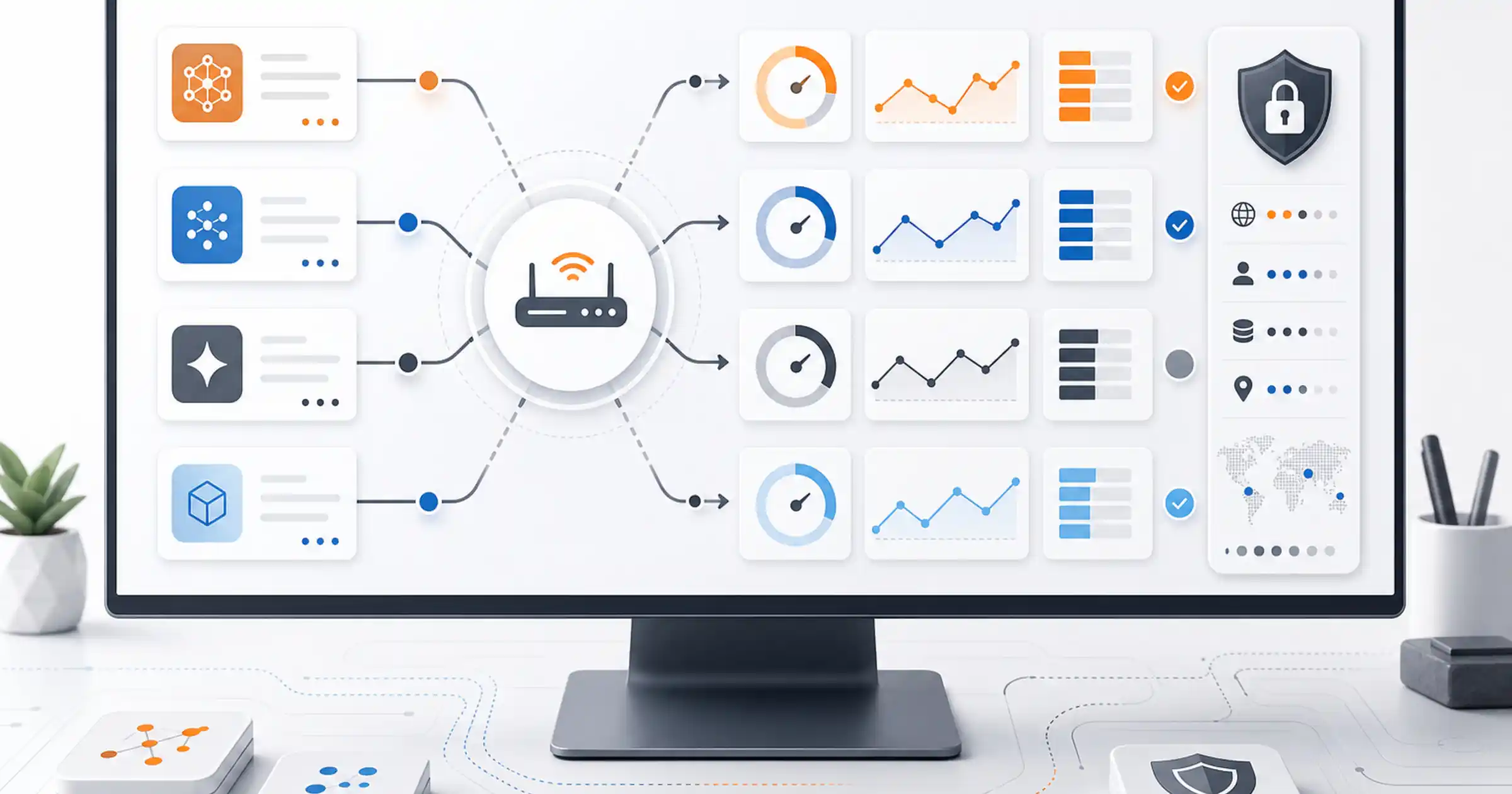
In its official launch, Mistral did not frame OCR 4 as just another OCR model with a benchmark headline. It framed it as a structured document layer: bounding boxes, block typing and page- and word-level confidence scores delivered directly in the output. That matters for teams building enterprise search, RAG, contract extraction, invoice processing or any workflow where the real problem was never just extracting text.
In real document stacks, OCR is often the least glamorous step and one of the most expensive in hidden labor. First you extract text. Then you rebuild layout. Then you figure out which region is a table, what counts as a title, what needs human review and how to keep the whole thing auditable. OCR 4 is trying to win exactly there. It is trying to remove part of that glue work.
What Mistral actually shipped
Across the official launch materials and docs, OCR 4 accepts PDF, DOC, PPT and OpenDocument files, covers 170 languages across 10 language groups, and can run in a single container for self-hosted deployments. The output can include structural blocks in reading order, with types such as title, table, list, equation, image, references, header, footer and signature.
That matters for three practical reasons.
The first is localization. Once the model returns bounding boxes, the document stops being a wall of text. You can point to where a number came from, highlight a clause in a viewer, link an answer back to the source page and make human review selective instead of universal.
The second is typing. A block tagged as a table can go down a different path from a block tagged as text or signature. That sounds like a narrow implementation detail, but it is exactly the kind of detail that reduces the glue code between raw OCR and a usable product.
The third is confidence. OCR 4 exposes confidence signals at page and word level. That opens an operational layer many teams actually need: auto-approve the easy pages, route low-confidence regions to a reviewer and stop treating every document as if it deserves the same amount of human effort.
Where this changes the workflow
The most useful reading here is not “Mistral launched a better OCR model.” The more useful reading is that Mistral is trying to sit on the boundary between OCR and Document AI.
When a document becomes only extracted text, the rest of the stack still has to decide chunking, hierarchy, traceability and validation. When the output already includes typed blocks, coordinates and confidence, the next layer becomes much less handmade. For RAG, that matters because bad chunks break retrieval before the model ever answers. For automation, it matters because an agent does not only need to read the PDF. It needs to know what is a field, a signature, a table, a section and a piece of evidence.
That is close to the same pattern we saw when Google tried to turn Spanner into the context engine for AI agents. In both cases, the value is less about the isolated model and more about reducing the glue between raw data and an operational workflow.
It also connects to the governance side of RAG. If the document is going to feed cited answers, compliance checks or internal decision support, knowing where a passage came from matters as much as extracting the passage itself. That pressure only grows when retrieval layers can leak or distort context, which is why MosaicLeaks and the risk of deep research agents leaking secrets through ordinary queries still feels relevant here.
When Mistral OCR 4 is likely worth adopting
The strong case is the company that already feels the hidden cost of document pipelines.
If a team processes contracts, reports, technical PDFs, forms, invoices or legacy archives at scale, the question is not only which OCR gets more characters right. The better question is how much manual work remains after extraction. When the next steps require layout analysis, region classification, confidence-based routing and preparation for search or automation, OCR 4 looks well positioned.
It also makes more sense when three requirements show up together: messy documents, auditability and data constraints. The single-container self-hosting story matters a lot in legal, finance, healthcare, government and internal workflows where sensitive files cannot casually pass through a third-party cloud service.
The multilingual angle matters too. Mistral is pushing hard on its 170-language coverage and its gains in lower-resource languages. If your stack lives on heterogeneous PDFs from different teams, vendors or countries, commodity OCR that works nicely on clean English documents is not the whole answer.
Where the gain may be smaller than it looks
Not every team needs the full package.
If your workflow handles a low volume of clean documents and the job is simply to pass plain text into a later step, simpler OCR may still be enough. The same goes for workflows where human review is already mandatory on every page. In those environments, part of the benefit of page- and word-level confidence gets diluted.
It is also smart to stay careful around benchmark claims. Mistral itself says its public numbers should be treated as directional, not definitive. That is the right posture. Real documents punish glossy demos once multi-column layouts, bad scans, signatures, stamps and inconsistent formatting show up. The honest rule remains the one Mistral itself suggests: test on your own documents.
The pricing argument is good, but only when compared the right way
The official pricing helps OCR 4 enter the conversation. Mistral lists $4 per 1,000 pages on the standard API, $2 per 1,000 pages through the Batch API and $5 per 1,000 pages for Document AI.
Those numbers become interesting because they shift the comparison. The question is not only “how much does OCR cost per page,” but “how much does OCR plus all the surrounding pipeline work cost.” If a cheaper model still forces manual post-processing, separate layout heuristics, external classification and broad human review, the total workflow can still end up more expensive.
That matters even more in tighter-budget environments. Teams already revisiting AI spend know that API price alone rarely tells the real story. The bigger issue usually appears in the coupling between tool choice, operational overhead and scale, which is the same pattern I described when looking at how to control GitHub Copilot spend and adoption in the enterprise.
At high volume, Mistral’s argument becomes clearer: if the document already comes out structured, the marginal cost is not only the processed page but also the engineering work you no longer need to maintain.
The most useful way to read the launch
OCR 4 looks less like a pure OCR benchmark bet and more like an attempt to capture the document layer before the rest of the stack.
If it works as advertised, it shortens the path between raw files and reliable outputs for search, automation and agents. That is more valuable than another abstract leaderboard win.
For many companies, the practical question will not be “is OCR 4 the best OCR model in the world?” It will be something narrower and more useful: does it remove enough downstream work to justify the switch?
That is the right bar. In enterprise document workflows, the cost rarely lives only in the reading step. It lives in everything that comes after it.