Git worktrees sat in Git for years as one of those features experienced users knew about but rarely pushed into team habits. That is changing fast.
The reason is not that worktrees suddenly became more elegant or more powerful. The core idea is still simple: one repository, multiple working directories, each attached to its own branch or detached state, all sharing the same Git object database. What changed is the shape of everyday development. Modern teams do more urgent interrupt work, more pull request review, more branch-level experimentation, and more parallel work with AI tools than the old single-checkout workflow handles well.
For a long time, developers tolerated the friction. You were in the middle of a feature, a production issue came in, and the standard routine was familiar: stash changes, switch branches, pull main, create a hotfix branch, make the fix, push it, then come back and hope your mental stack survived the trip. GitHub’s recent write-up on worktrees describes that dance well, and it still feels painfully normal because most of us have done it too many times.
A worktree cuts out the dance.
Instead of reshuffling one directory, you create another one:
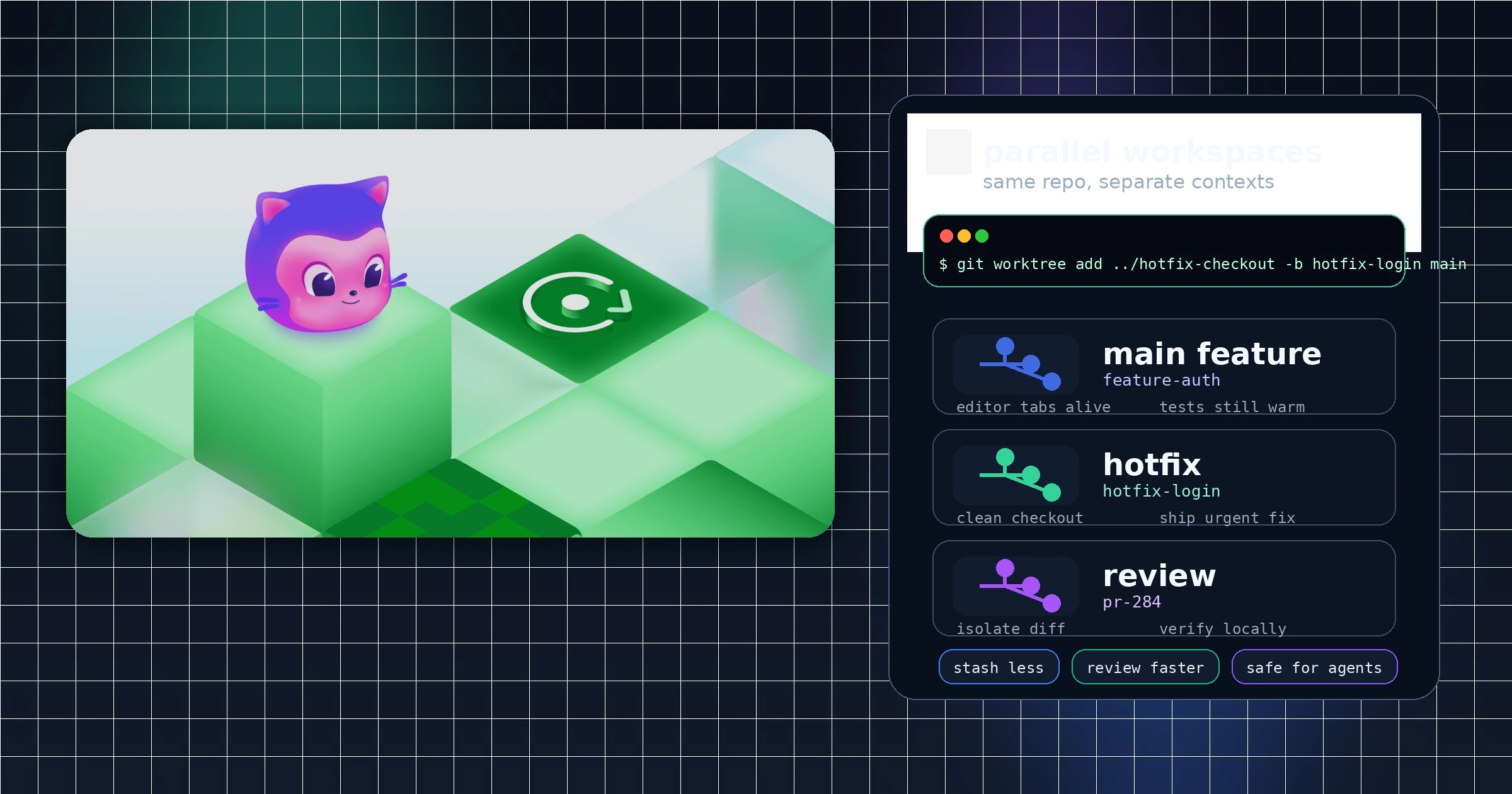
git worktree add ../hotfix-checkout -b hotfix-login mainNow the hotfix lives in its own folder. Your feature branch stays open in its original window, with its uncommitted changes, running services, and editor tabs intact. The bug fix happens next door, not on top of your current context.
That sounds like a small quality-of-life improvement. In practice, it changes the cost of interruption.
Hotfixes are the clearest use case
Worktrees make the most immediate sense when the task is urgent and short-lived.
Hotfixes are exactly the kind of job where developers do not want ceremony. They want isolation without overhead. A second clone works, but it is wasteful and messy. Stashing works, but it is brittle. Branch switching inside one checkout works until it collides with local build artifacts, half-finished refactors, or the simple fact that a human being was already holding one mental model and is now asked to load another.
A linked worktree is a cleaner compromise. It gives the hotfix its own branch and file tree while reusing the same repository history underneath. The Git documentation is explicit about that model: linked worktrees share the repository while keeping per-worktree state such as HEAD and index separate. That separation is what makes them useful. It is also why they feel safer than the stash-and-switch routine. You are not hiding unfinished work. You are leaving it where it is.
Once the fix is merged, the cleanup is equally direct:
git worktree remove ../hotfix-checkoutThat tidy lifecycle matters. Good workflow tools do not just help teams start parallel work; they help them end it without residue.
Review work benefits almost as much as feature work
The second reason worktrees are getting pulled into the center of developer workflows is that review has become a much bigger part of daily engineering time.
A code review is not always a passive act anymore. You may want to run the branch locally, inspect behavior in a browser, test a migration, compare it to main, or try a tiny patch before leaving feedback. Doing that in your active feature checkout is annoying at best and dangerous at worst. Doing it in a separate clone is possible, but most teams will not keep creating and deleting clones for ordinary review.
A review worktree is light enough to become routine.
You can keep your own task open and spin up a temporary branch checkout for someone else’s pull request, or for your own branch after CI passes. That matters because review is now part validation, part investigation, and part operational debugging. The cleanest review setup is often not a web diff. It is a disposable local workspace where you can run the code without stepping on your current work.
This is one reason worktrees fit the present moment better than they did a decade ago. Teams are not just writing code and merging it. They are continuously loading other people’s branches, testing assumptions, and comparing states. Worktrees give that behavior a real place to live.
AI agents turned parallel development from edge case into default
The biggest shift, though, is AI-assisted development.
GitHub’s blog makes the point directly: developers now work in parallel more than they used to, and agent tools have made that much more common. That is not marketing fluff. It is a real change in operating style.
A human developer might have one active feature and one urgent interruption. An AI-heavy workflow can easily create three or four concurrent threads: one agent writing tests, another exploring a refactor, another drafting a migration, while the human reviews results and handles production issues. The old assumption that one repository directory maps to one stream of work no longer holds.
That is where worktrees stop being a convenience and start becoming infrastructure.
An AI coding agent works better when its context is stable. If you keep changing branches inside the same folder, you change the filesystem under the agent, the available files, the uncommitted state, and often the meaning of the conversation itself. Separate worktrees solve that by giving each session its own branch and directory. Upsun’s write-up on parallel AI coding agents describes the model clearly: each agent gets isolation without requiring a full duplicate clone.
That is probably the most important reason worktrees are rising now instead of years ago. They match how AI tools actually behave. They preserve context, contain risk, and make parallel sessions legible.
They also make comparison easier. A team can ask two agents to attack the same problem in separate worktrees, review both outputs, and keep only the better branch. That would be awkward in a single checkout and wasteful across multiple full clones. In a worktree-driven setup, it feels natural.
The feature is old, but the workflow around it is new
It is worth saying plainly that worktrees are not a silver bullet.
They do create more directories to manage. They can multiply dependency installs, which is especially noticeable in JavaScript or Python projects with heavy local environments. They can also create a false sense of safety: separate worktrees do not prevent merge conflicts if two branches touch the same files. In AI-heavy workflows, that risk may actually rise because parallel agents are very good at producing overlapping edits quickly.
Git’s own documentation also points to the operational details teams need to learn if worktrees become standard practice. There are commands for listing them, pruning stale administrative files, locking worktrees that live on portable or intermittently mounted storage, and moving them correctly instead of dragging folders around by hand. In other words, once worktrees move from trick to habit, they need a bit of hygiene.
But none of those limits undercut the larger trend. They simply show that worktrees are becoming real workflow primitives rather than clever Git trivia.
Why this matters now
The modern developer workflow is less linear than the one Git habits were built around.
Work starts, pauses, forks, gets reviewed, gets interrupted, gets delegated to an agent, comes back with a patch, then waits for another review cycle. In that world, a single working directory is too cramped. It forces unrelated tasks to compete for the same local state.
Git worktrees offer a better unit of work: not just a branch, but a branch with its own live workspace.
That distinction matters. Branches organize history. Worktrees organize activity.
That is why they are becoming central. Not because developers suddenly rediscovered an old command, but because the command finally fits the real shape of the work. Hotfixes need low-friction isolation. Reviews need disposable local environments. AI agents need stable parallel contexts. Worktrees answer all three with the same simple idea.
For years, they looked like an advanced Git feature. In 2026, they look much more like table stakes.
Sources
- GitHub Blog: What are git worktrees, and why should I use them?
- Git documentation: git-worktree manual
- Kernel.org mirror of the Git manual: git-worktree(1)
- Upsun Developer: Git worktrees for parallel AI coding agents